About me
Python Cloud Advocate at Microsoft
Formerly: UC Berkeley, Coursera, Khan Academy, Google
Find me online at:
| Mastodon | @pamelafox@fosstodon.org |
| BlueSky | @pamelafox.bsky.social |
| @pamelafox | |
| www.linkedin.com/in/pamela-s-fox/ | |
| GitHub | www.github.com/pamelafox |
| Website | pamelafox.org |
The full presentation workflow, step by step
Every talk moves from planning into a build loop, then delivery, and finally, follow-up materials.
Goals, audience, outline
First real artifact
Theme, font, colors
Tighten slide content
Claims and examples
Deliver the talk
Writeups and alternate formats
Throughout the steps, we can collaborate with AI agents to speed up tasks, improve slide quality, and brainstorm new ideas.
Step 1: Start with a markdown plan
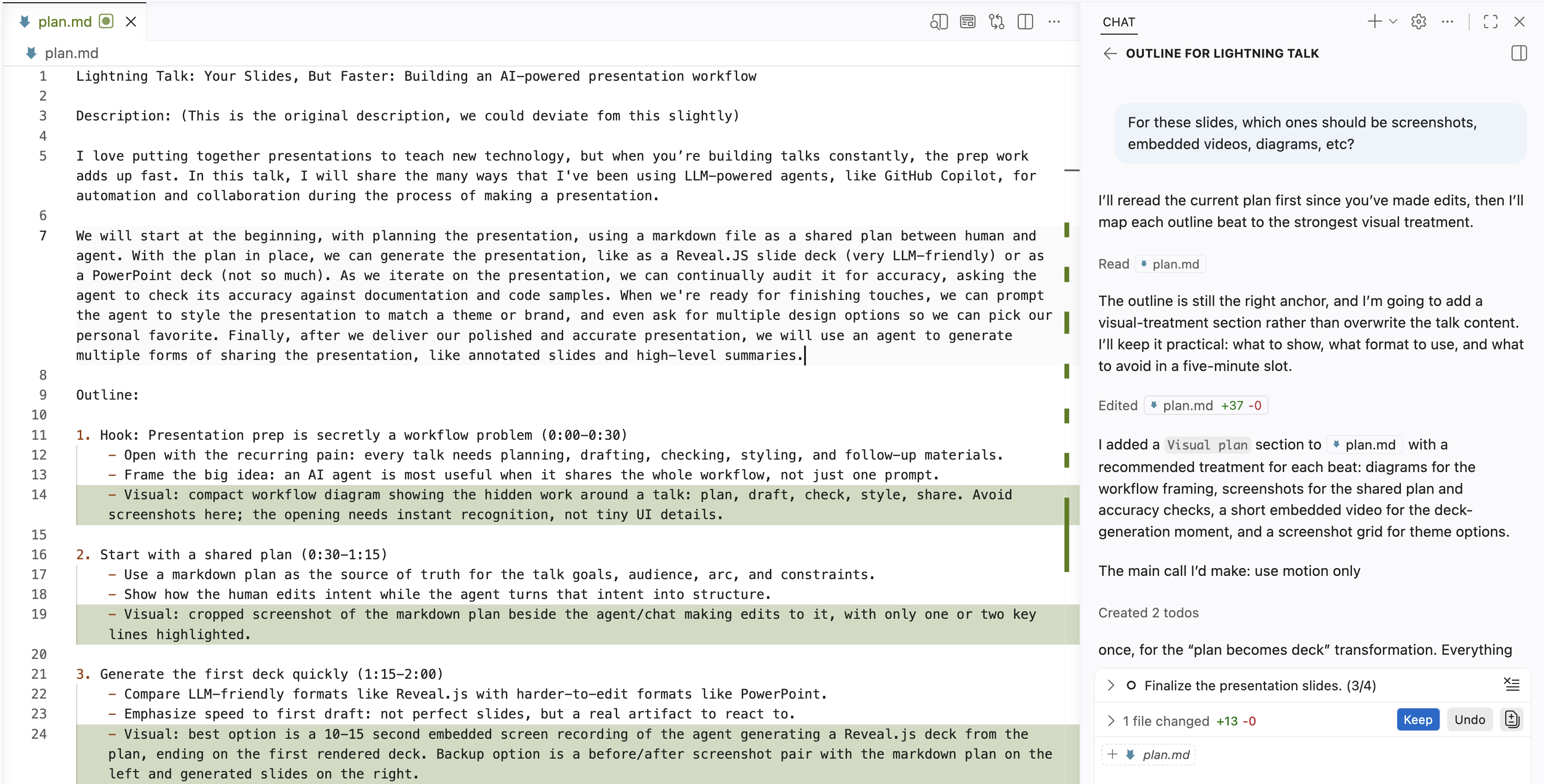
Step 2: Generate deck based off the plan
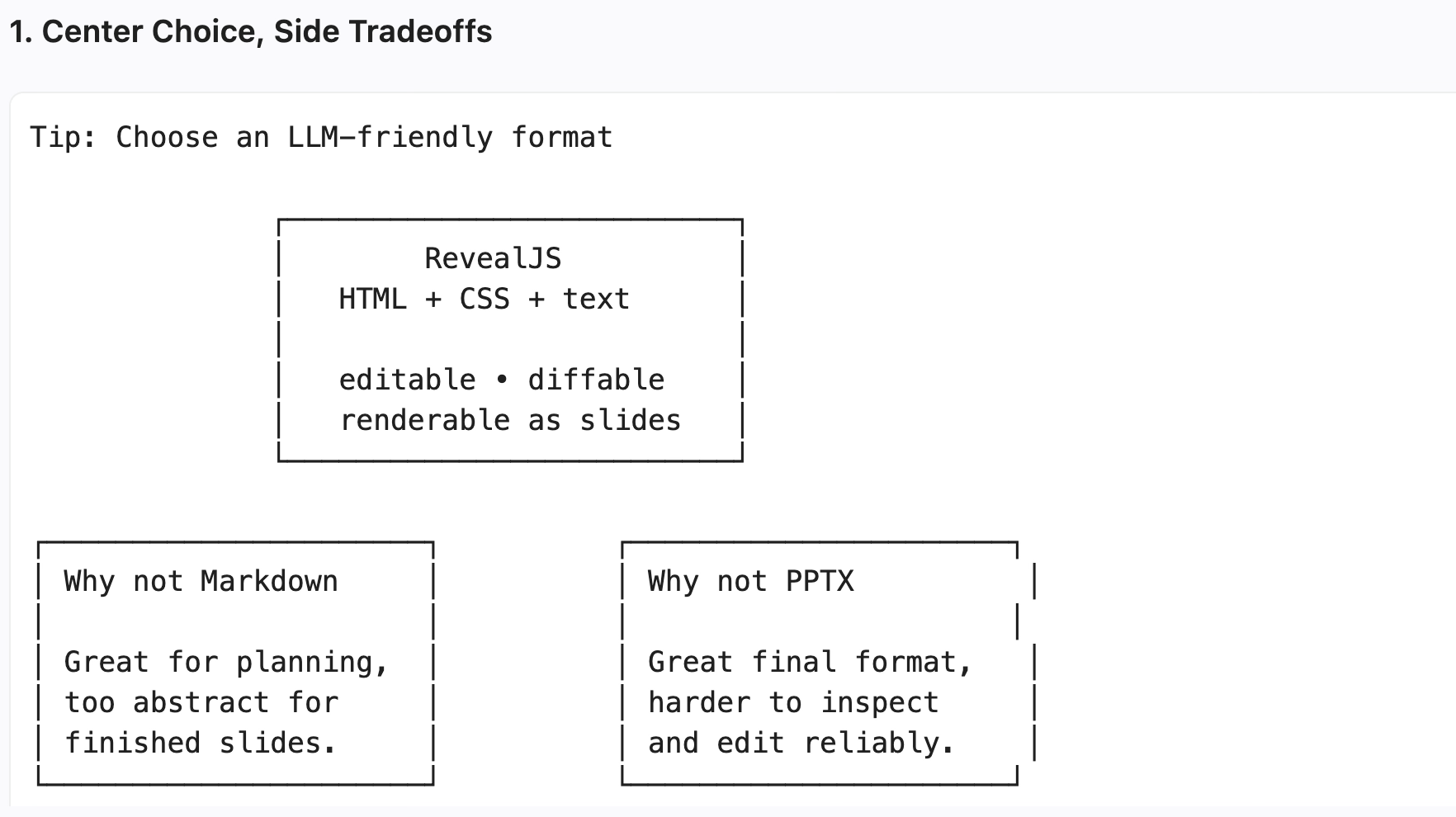
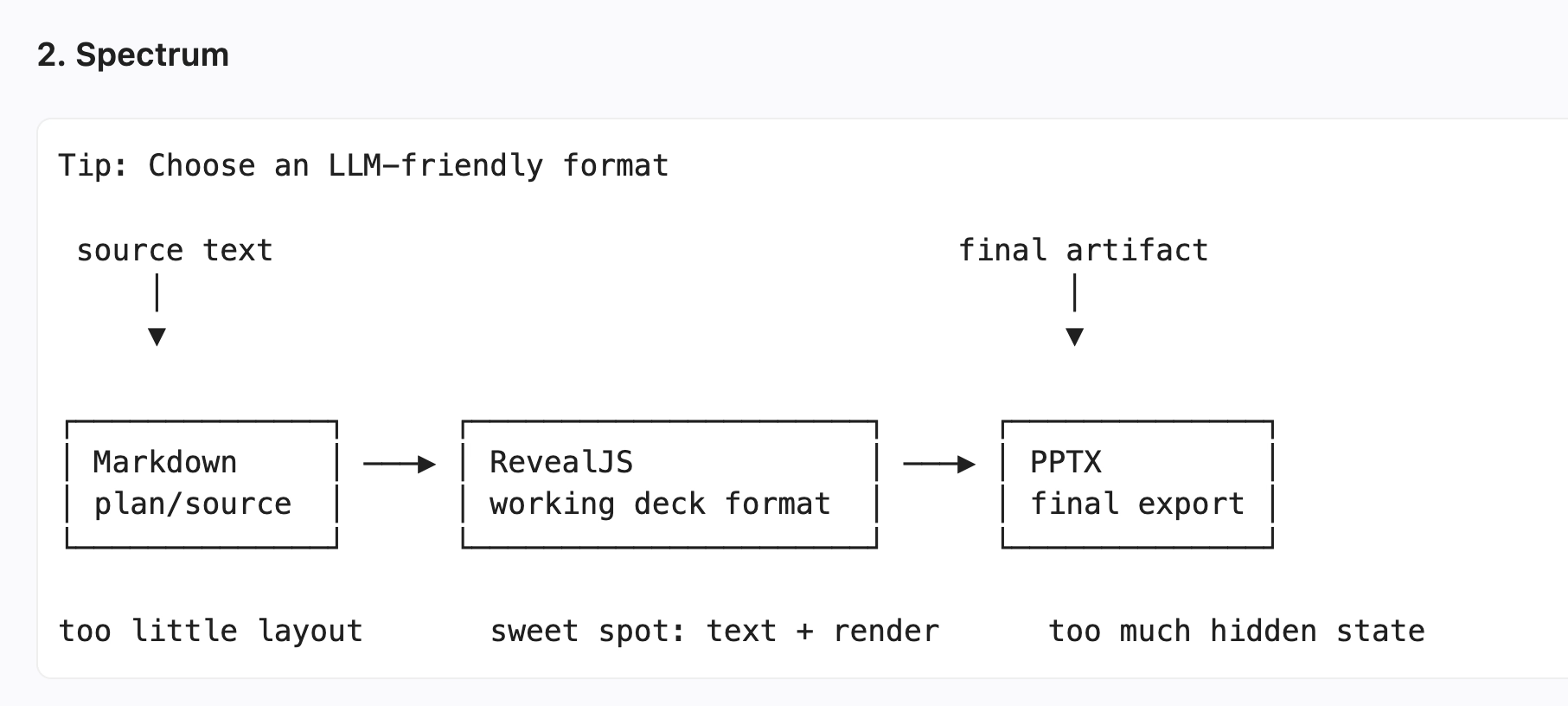
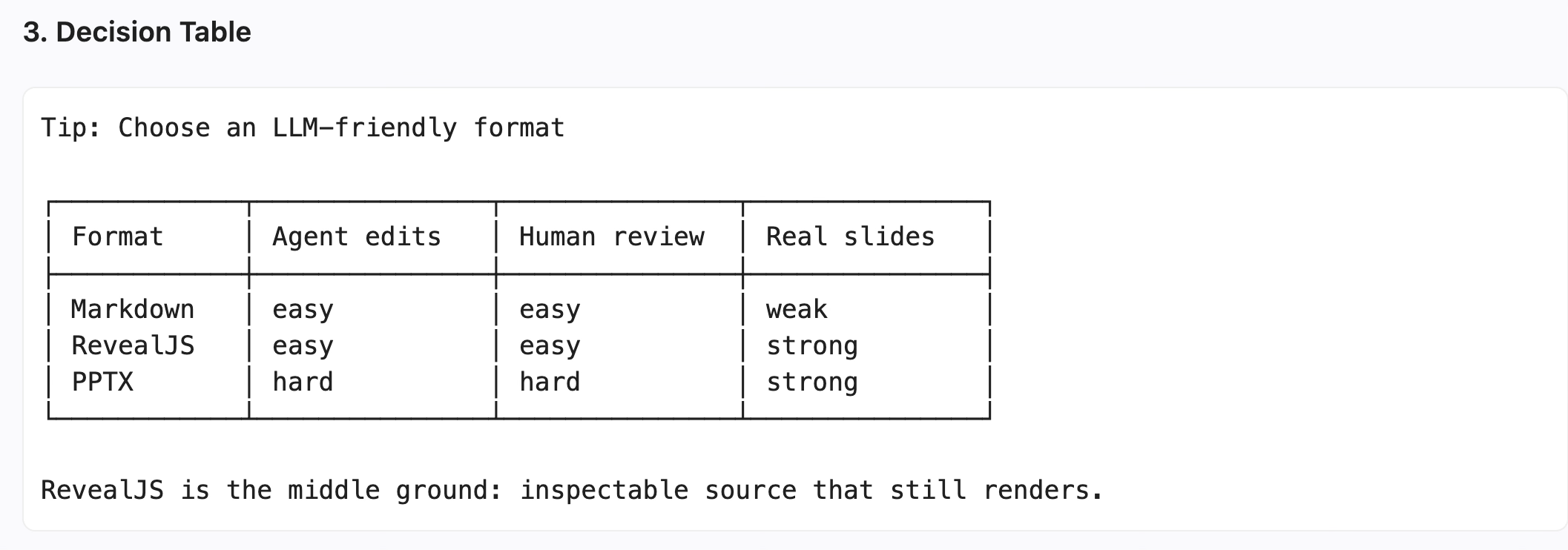
Tip: Choose an LLM-friendly format
| Format | Agent editability | Human reviewability | Visual expressivity |
|---|---|---|---|
| Markdown | Easy to write | Easy to diff | Text-first, limited layout |
| PPTX | Hard to edit reliably | Hard to diff | Rich manual canvas |
| RevealJSChosen | HTML, CSS, text | Readable diffs | SVG, diagrams, video, CSS |
Step 3: Re-theme the slides with style, colors, fonts
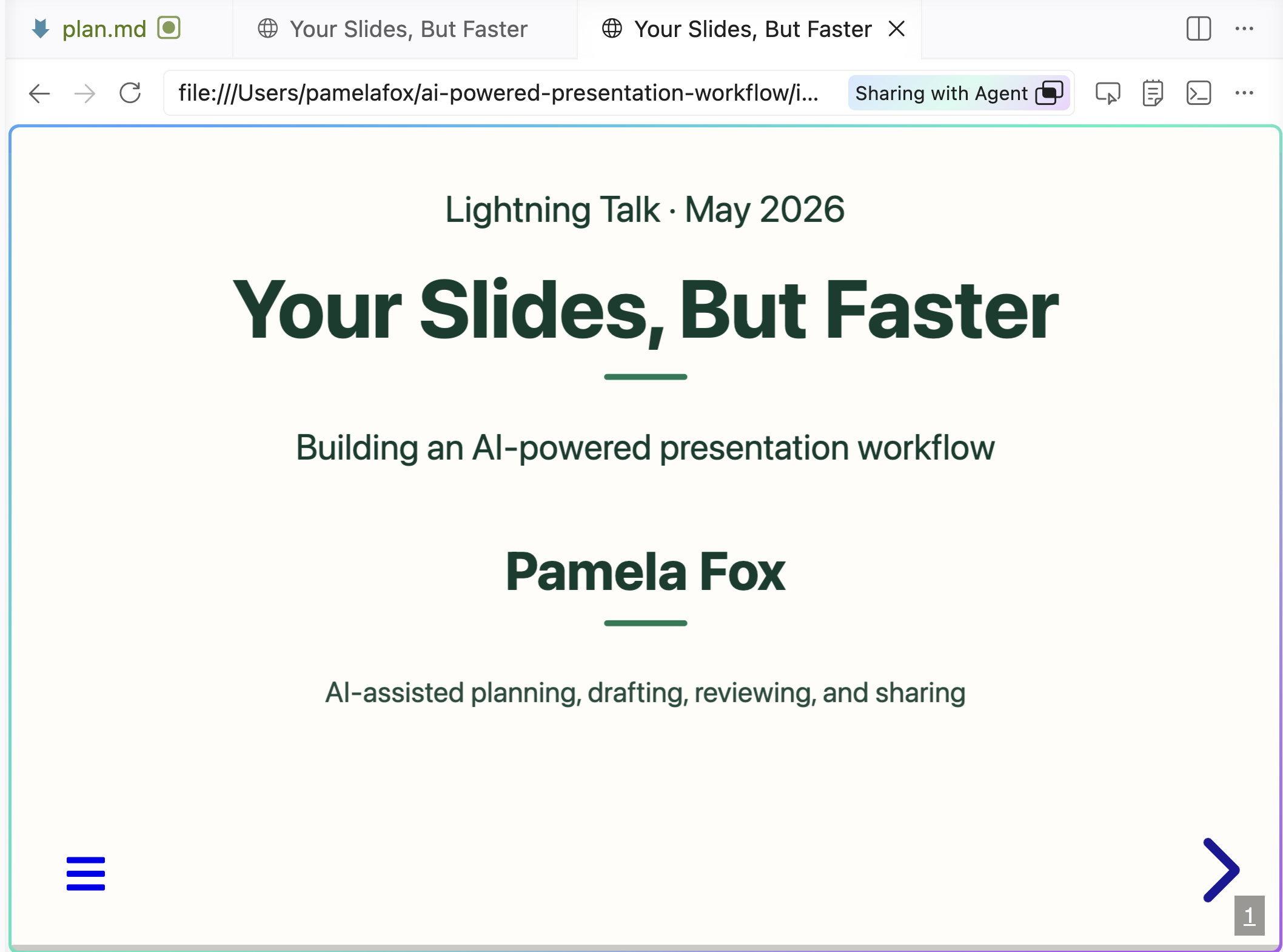 Before

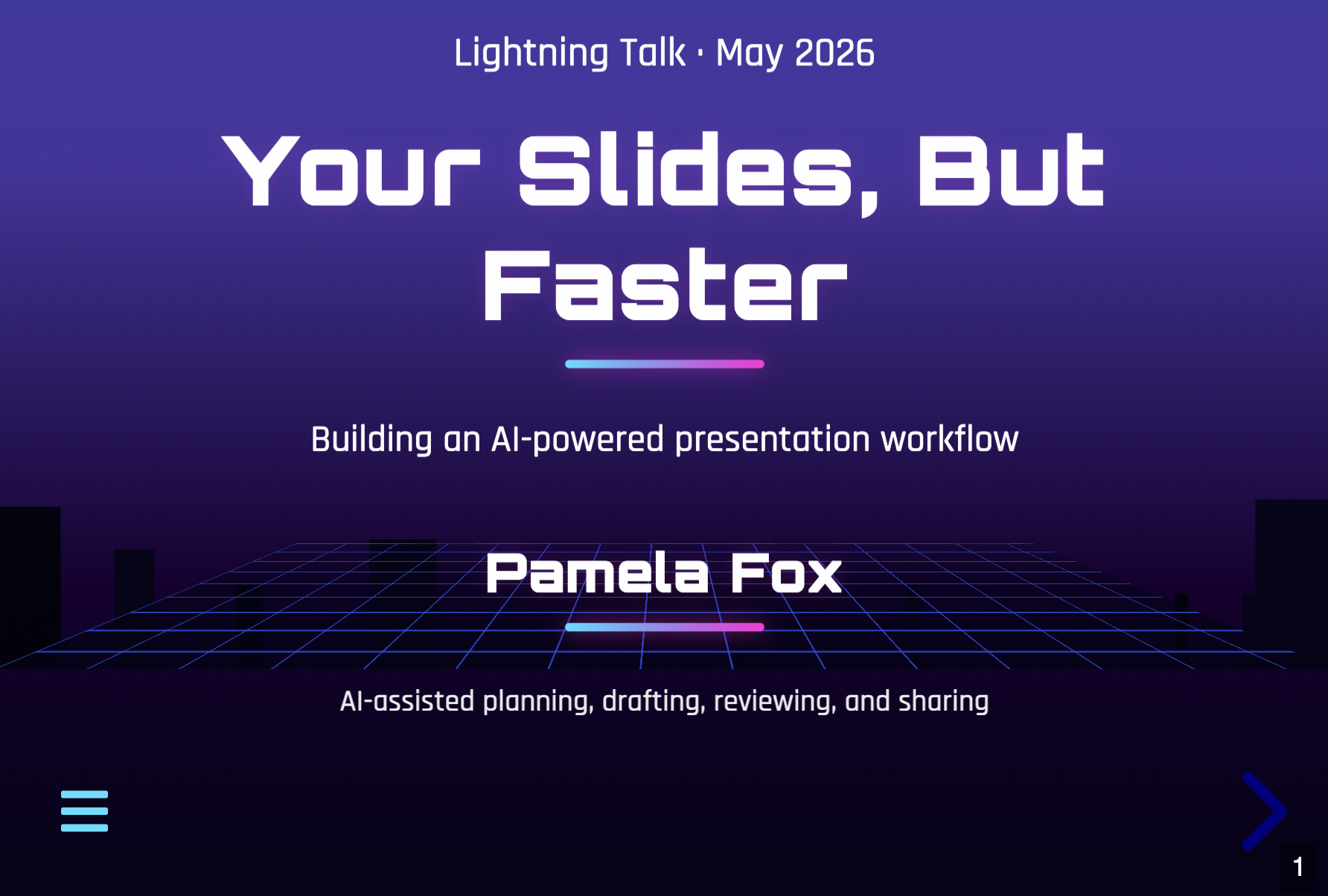 After
After

Step 4: Iterate on style and content
Improve the deck draft with manual edits or small, reviewable asks.
Style passes browser-verified
User: Can video be bigger?
Agent: Adjusts sizing and verifies the rendered slide.
User: Use fragment for each row so I can explain one by one.
Agent: Adds Reveal fragments and hides borders before rows appear.
User: I want the badges directly on top of the box. Move both boxes underneath the image.
Agent: Moves the boxes below the screenshots and attaches the badges.
Content passes
User: I dont like this wording, give me 5 other options. Some that talk about shared memory.
Agent: Offers options, then swaps in the selected sentence.
User: Let's add a slide about agent skills. Research agentskills.io/home to see how they explain it.
Agent: Uses the docs framing to explain skills, then connects it to this deck workflow.
User: We need a new slide about Step 4: Iterate. Not sure what to show here.
Agent: Proposes slide directions, then turns the selected one into a new slide.
Tip: Ask agent for ASCII slide mockups
Mock up ASCII diagrams of different options for slide on "Choose an LLM-friendly format".
Step 5: Audit the deck against reality
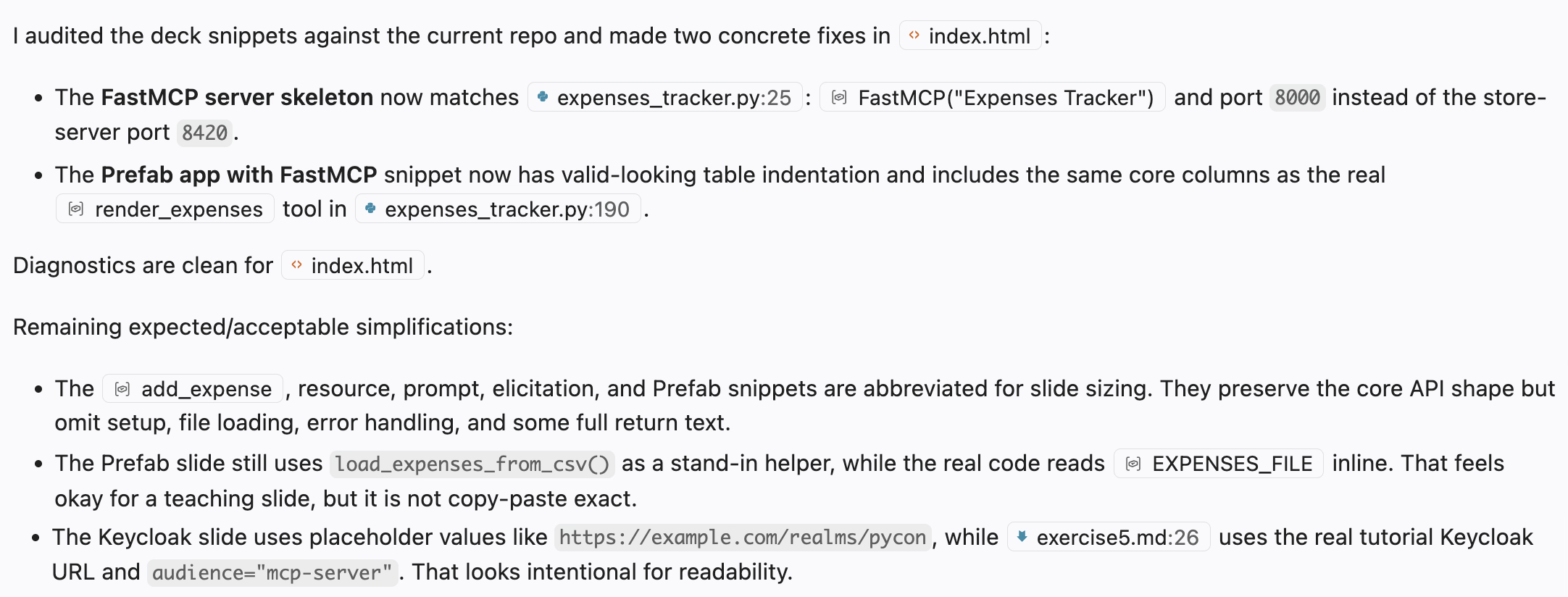
Audit the sample code in #file:index.html to ensure it is consistent with the code in the repo. Some inconsistency might be expected for slide sizing reasons.
Step 7: Turn the talk into shareable artifacts
AI agents make it easy to create follow-up materials for different learners and preserve the talk in forms people can revisit, search, and share.
Tip: Use agent skills across the workflow
Agent skills package instructions, workflow knowledge, scripts, and assets.
The agent discovers a skill by name and description, then loads its SKILL.md only when the task matches.
skill-name/
|-- SKILL.md
|-- scripts/
|-- references/
|-- assets/
make-revealjs-presentation
Starts from a RevealJS template, follows slide conventions, and validates the result.
generate-writeup
Combines slides, images, transcript, and outline into an annotated write-up.
Find more in: github.com/pamelafox/presentation-skills